
Mobile CCTV Technician in Kuwait | On-Site Repairs
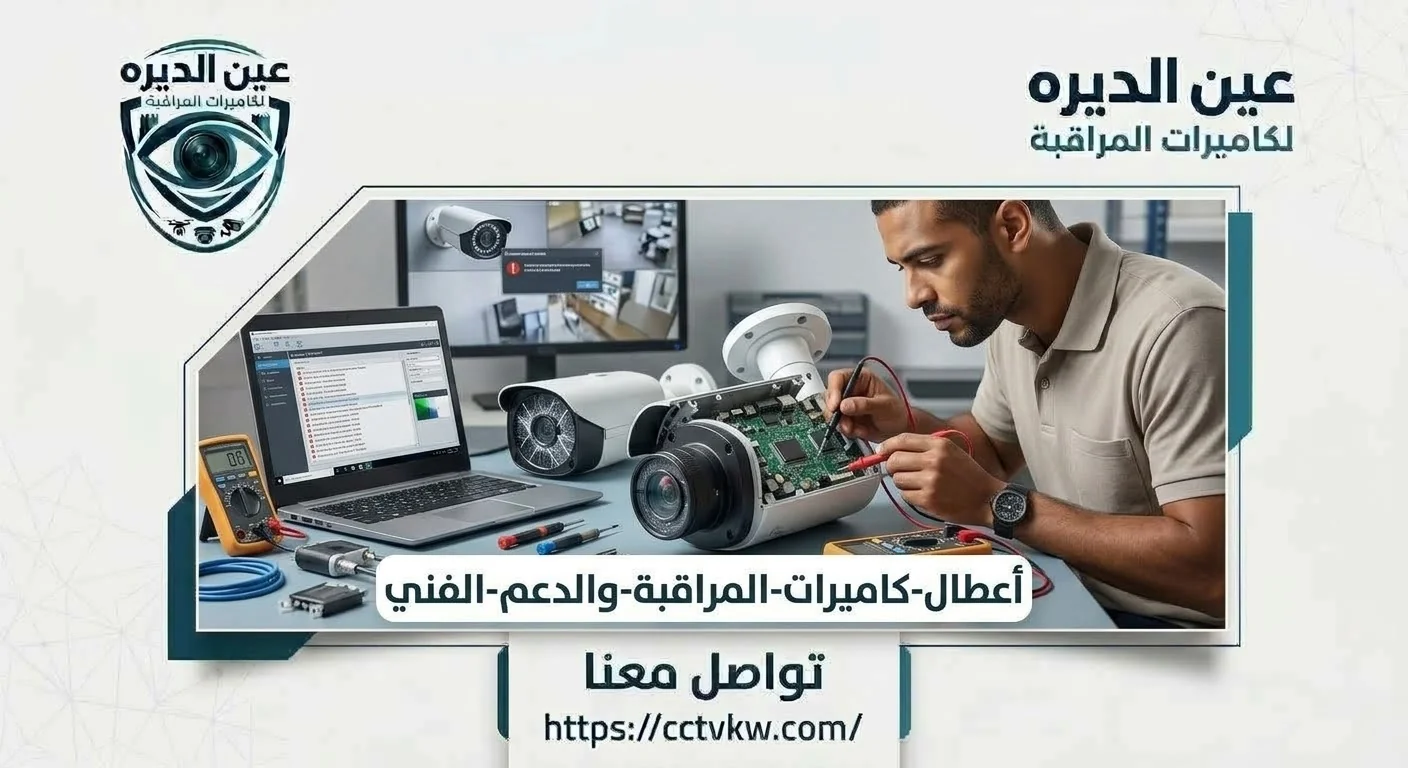
Have you lost a CCTV channel and need a mobile CCTV technician in Kuwait to diagnose it on site? Identify whether the fault involves one camera image, the recorder or mobile viewing, because each calls for different preparation. In homes and shops, an on-site inspection can test cabling, power and ports instead of replacing hardware based on an error-message screenshot. Deera Eye is a contact point for discussing a suitable visit; provide your location and fault description before agreeing. This guide focuses on visit coordination and urgent diagnosis, not the technician’s preferred language.
When is an on-site CCTV visit useful?
An on-site visit is particularly useful when cameras are mounted high, connections are concealed or channels disconnect intermittently. If a shop has lost coverage at a critical point, identify the affected channel and when the problem began. An account-recovery issue, however, may first require official account procedures. Choosing the right support path saves time and avoids unnecessary system interruption.
Before booking, observe a few things without touching wiring: does the camera appear on the recorder monitor, and did the failure begin after cleaning or moving equipment? These details help prepare appropriate diagnostic tools. Do not climb unsafe ladders to reach elevated cameras or concealed wiring. If important footage relates to an incident, mention the time so no one performs an action that could erase video before it is preserved.
If an exterior camera fails while you are at work, prepare a recorder screenshot and channel name before calling, so the technician can distinguish video loss from mobile app failure. If the property is closed, arrange an authorized person to provide access to the recorder room. Explain the importance of the camera’s location: loss of a working shop entrance during business hours differs from an unused interior view. Priorities help determine what should be checked on arrival and what can be scheduled later.
Preparing a useful No Video service request
Provide the DVR or NVR model if available, number of failed cameras, whether other channels still work, and any recent power or cable changes. A screenshot of the error can explain symptoms, but passwords and account credentials should remain private. If important recordings exist for a particular period, say so before a reboot or storage change. This information directs the inspection toward relevant components.
For example, a customer sends a No Video screenshot and also says the app will not open. Do not assume one shared fault: the camera may have lost signal while the recorder remains online, or the recorder may show pictures while only the app is Offline. Photographing the recorder screen and identifying affected channels is more helpful than saying “all cameras are broken.” Have the recorder model or version available for the appropriate tests.
On-site recorder and storage diagnostics
Sometimes the cameras show live video but saved footage is missing, or a hard-drive warning appears. Diagnosis needs to examine storage status, recording schedules and playable clips, not simply the monitor image. Do not format a drive containing important footage without understanding the consequences. If replacement is required, specify capacity and retention needs and test a new recording at handover.
If a shop needs footage from previous days, do not disconnect or replace storage immediately because a warning appears. It may involve configuration, capacity or a connection problem and requires data-conscious inspection. Before approving a new drive, ask whether important clips must be exported from the old disk and whether a fresh recording will be tested afterward. On multiple-drive systems, identify the affected disk to avoid changing healthy storage.
Several cameras failed together: where should diagnosis start?
If several channels disappear simultaneously, shared infrastructure such as a power supply, network switch or recorder setting deserves attention. A single failed camera may point to its individual cable route. Identifying common components avoids unnecessary replacement of every camera. The technician tests power, ports and cables according to the system technology while protecting ongoing operation.
Can the visit include phone app troubleshooting?
When cameras work on the recorder monitor but not in the app, mention this before booking so network and remote-viewing tests are included. The issue may involve the router, DNS or account rather than the mounted cameras. Test using mobile data outside the property network and keep administrative credentials with the owner. Detailed app troubleshooting belongs to the separate phone-viewing guide.
For mobile-viewing failures, some people repeatedly reboot the router and recorder without observing what changed. A technician should first confirm local recording and then check network connectivity, app service and account state. Following an internet-provider change, the recorder address or gateway may need adjustment to match the new network. Do not expose management ports directly to the internet as a quick fix or send administrator credentials in public messages. Test over mobile data outside the site Wi-Fi before accepting the work as completed.
Home, shop and office service coordination
At home, locate the recorder, router and approximate camera routes. In a shop or office, designate an authorized contact who knows priority channels and operating hours. If the system records continuously, agree on any temporary downtime before equipment is disconnected. Coordination matters especially in multi-floor properties or networks managed by IT staff, where other systems should not be disrupted.
When a company system fails during operating hours, priority channels may need examination first and any expected recording interruption should be coordinated with management. At home, one entrance or corridor may matter more than other views. Also plan authorized access to device settings: do not send passwords in public messages, and ensure control remains with the owner afterward. Advance coordination reduces disruption to daily use.
Urgent visits: what should be agreed before booking?
If critical surveillance coverage has failed, describe the urgency, affected channels and site hours. Ask for an available arrival appointment, visit fee and service scope in a clear message. A “within one hour” claim should apply only when specifically confirmed for your location and booking; travel and parts availability vary. You need to know when diagnosis will occur and what happens if a replacement component is needed.
Inspection fees and replacement parts
Clarify whether the visit fee covers diagnosis alone or a defined repair, and the price of an adapter, connector or hard drive if replacement proves necessary. Each quote should identify the part model, labor and warranty terms, with customer approval before work. Do not replace an older camera merely because it shows no picture; testing power, cable and input may reveal a different, simpler cause.
When a technician identifies a limited fault, the inspection scope and separately approved work should be clear. Do not replace a camera solely because its image was black; request appropriate checks of power, cable and recorder input. If the problem is recurrent, discuss whether a localized connector repair is sufficient or the cable route needs more extensive work. Document changed parts and retain written warranty terms for future maintenance.
Four important on-site CCTV service scenarios
Every channel is black: Establish whether the recorder menu appears at all. A blank monitor with no interface points first to display output and cabling, while visible menus with missing channels may require shared power or signal checks.
A camera drops out every night: Report the timing; a transition to night mode or different power demand may be a clue requiring testing, not a final diagnosis.
The drive shows a warning: Preserve important footage and avoid initialization before storage is assessed.
Monitor works but phone does not: Rather than removing mounted hardware, start with network, account and remote service checks and then test on mobile data. Each report calls for a different diagnostic approach, which is why describing symptoms before a visit matters.
At handover, ask the technician to play a new clip from the previously failed channel rather than relying on live video alone. If an adapter or connector was replaced, keep its details because recurring faults can have other causes along the cable route. In shops, verify recording during operating hours; at home, confirm the gate angle after remounting. Ask what basic, safe checks you can perform if the error returns, such as observing device or connection status without opening electrical equipment.
When arranging a mobile technician visit, state the property type and when the technician can access the recorder room, because a shop employee may not be authorized to modify settings. If the fault affects a main gate or checkout camera, identify the priority so the most important view is assessed first. When some cameras work and others fail, prepare channel names and error screenshots instead of reporting that the whole system is down. These details help ensure appropriate tools are brought to the visit.
Ask separately about attendance, inspection and additional work. For example, a faulty connector may need a limited repair, while concealed damaged cabling may need a route survey before a final quote. If the hard drive is implicated, important footage should be identified before any disk initialization. Ask the technician to explain what was found, what part requires replacement and whether existing equipment can remain functional after repair. Arrival speed alone is not a sufficient measure of service quality.
For urgent visits, agree on a realistic appointment window for your address instead of relying on a general timing slogan, and mention any site access or permit requirements. If the owner is abroad, an authorized person may be needed on site while administrative account information remains under the owner’s control. Do not send passwords or verification codes in public chats; authorized users can enter them during diagnosis. Security is part of the service as much as repairing cables or recorders.
At the end, reproduce the original problem where practical: if a camera failed at night, assess it under comparable conditions; if the app did not work away from home, test over mobile data. If the recorder was not saving video, retrieve a new clip. Record repairs, components and any unresolved observations, and ask how recurring faults should be followed up. A successful visit addresses the verified cause and hands over a usable system rather than displaying a picture for a few moments.
Handover testing before the technician leaves
Review affected channels and check that video is stable; retrieve a new recording when storage was part of the issue. For remote-viewing faults, test from another network. For intermittent failures, note the recurrence pattern for follow-up. Keep a record of the diagnosis, changed parts and warranty terms. Practical testing is more valuable than a simple restart followed by departure.
Why Choose Deera Eye?
A useful site visit starts with a clear description of the fault, location and arrival arrangement, and ends with testing the repair. Tell Deera Eye which channels are affected and whether recording or phone viewing is involved, then confirm fees, scope and appointment.
Useful Internal Links
CCTV Maintenance Contracts
CCTV Programming & Mobile Setup
Conclusion and Service Request
A home or shop CCTV fault calls for a clear diagnosis and a suitable visit, not immediate replacement over the phone. Contact Deera Eye with the problem and location, and confirm the appointment, inspection fee and handover expectations before work begins.
Frequently Asked Questions
Can I request a mobile technician for any CCTV fault?
Describe the symptoms and device type so the visit scope and necessary equipment can be planned.
How long does technician arrival take?
It depends on appointment and location availability; obtain a specific confirmation before relying on an arrival time.
Does an inspection include hard-drive replacement?
Replacement requires diagnosis and approval of the part and labor charges.
Can the technician fix cameras missing from the phone app?
Ask to include network and app diagnosis and an external-viewing test in the service scope.
Need this service?
CCTV Maintenance & Repair ←