
Eight-Camera Home CCTV Package in Kuwait Components and Installation

A home with several entrances may need more than a camera at the front door. An eight-camera home CCTV package can cover a gate, yard, annex, parking area and shared access routes when the positions are planned around the building. But choosing eight cameras should begin with a coverage map, not simply counting devices in a promotional offer. Does the package include a compatible recorder, storage drive, cables and mobile configuration? Are indoor and outdoor devices appropriate for their locations? This Deera Eye guide explains the equipment, acceptance tests and installation choices that determine practical value, and how to request a detailed proposal without paying for unnecessary additions.
When Does an Eight-Camera Home CCTV Package Make Sense?
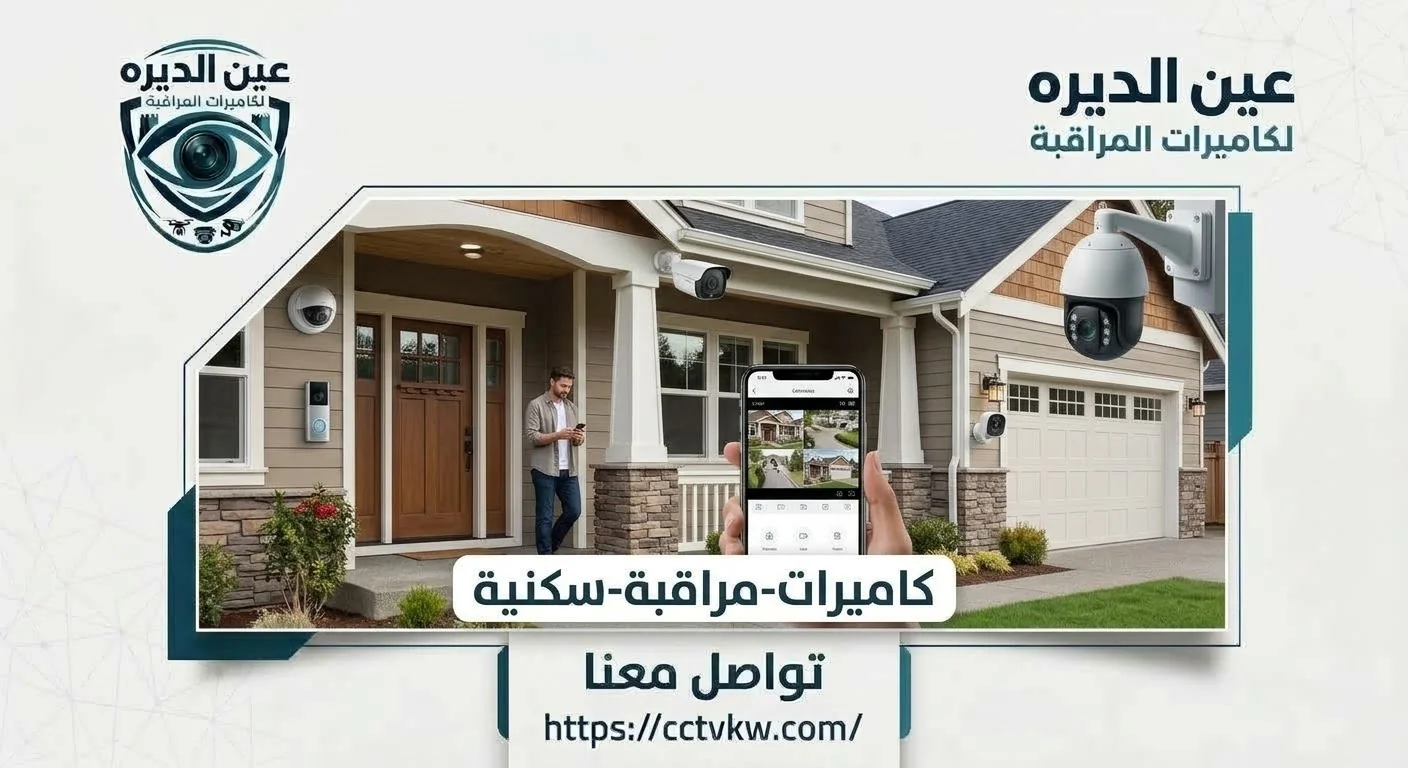
Eight cameras may suit a villa with a front entrance, service door, parking, yard and separate annex, but the same count will not suit every home. Start with a simple drawing and identify what each camera must show: a visitor entering, a vehicle arriving, a gate opening or movement through a shared corridor. Two cameras recording almost identical views can waste coverage, while an elaborate perimeter installation can still overlook a rear entrance. Every camera should therefore have a distinct purpose that can be checked at handover.
In a multi-storey house, cameras may be placed around external boundaries, on the ground floor and at a roof entrance or annex depending on how the property is used and on privacy restrictions. Lenses should not intrude into bedrooms, sensitive private spaces or neighboring property without justification. Not every camera needs to show facial detail from far away. A wide-angle view may be useful for general yard activity, while a more focused camera near the gate may capture the detail the owner needs. An eight-camera label alone does not tell you whether the system is appropriate.
• Coverage mapping: Give each camera an identified position, channel name and clearly stated purpose before any cable is routed.
• Real-world testing: Check relevant scenes under normal daytime and nighttime light instead of trusting a demonstration recorded in a showroom.
• Privacy and access: Prioritize appropriate entrances and common routes, and decide who may view or share recorded footage.
Eight Cameras With a Recorder and Hard Drive: What Is Essential?
When considering an eight-camera package with a recorder and hard drive, evaluate the system as connected components rather than as a stack of boxes. Cameras require compatible data or video connections and appropriate electrical power. The recorder must actually support eight channels at the required resolution, while the hard drive must provide sufficient practical capacity for the intended retention period. Some packages use DVR-based technology; others use an NVR with IP cameras. Your current cabling, expected expansion and required functions can all affect that decision.
Storage is not simply a large number printed on the drive label. Retention changes with camera count, image resolution, bitrate and whether recording is continuous or event-driven. A system may show live video while failing to store footage because of a storage fault or incorrect settings. The handover therefore needs to include creating, finding and playing back a new recording. The homeowner should also receive administrator access and understand how to export a clip without giving every viewer unrestricted permission to the recordings.
If mobile viewing is included, ask whether the work covers setting up the owner's account, linking a phone and testing from outside the home network or merely installing an application. Cable routes also matter: their length, weather protection, junction boxes and mechanical support can make two seemingly similar quotations very different in actual scope.
• Hardware: Request exact camera and recorder models and supported hard-drive capacity instead of accepting an undefined “complete kit.”
• Installation: List mounting, cabling, connectors, recording setup and remote access as identifiable elements of the agreement.
• Acceptance: Test a saved clip from at least one indoor and one outdoor channel, with the correct date and time, rather than looking at eight live pictures alone.
Where Should Eight Indoor and Outdoor Cameras Be Installed?
A mixed installation requires the environment around each camera to be evaluated. An outdoor entrance device may face intense sun, dust and changing light throughout the day. It needs suitable mounting and protected connectors, and possibly an outdoor-rated junction box. An indoor camera in a shared passage or annex entrance should provide useful detail without intruding into family privacy. Installing eight identical devices merely for a uniform appearance can be a poor choice if lens requirements and protection ratings differ from place to place.
Consider an illustrative layout for a villa with two entrances: one view of the main gate, another of the service entrance, then planned coverage of parking movements, the yard, annex and suitable shared routes. This is a planning example, not a universal map. At a poorly lit parking area, verify useful nighttime details rather than relying only on advertised infrared range. If direct sunlight regularly faces the lens, discuss a better angle or suitable image handling before the mounting position is finalized.
Cable convenience should not dictate camera placement on its own. Agree on the image first, then design a safe and practical route. Mounting very high without maintenance access can make future cleaning and connector repairs difficult. Installing too low can expose a camera to tampering. The right balance between visibility, protection and service access is part of a well-planned package.
• Outdoor locations: Evaluate weather exposure, nighttime scenes and whether connectors are genuinely protected.
• Indoor locations: Use relevant shared routes and avoid unnecessary monitoring of private living spaces.
• Cable routes: Keep a basic drawing of device positions and terminations to assist later maintenance or expansion.
What Should an Eight-Camera Installation Quotation Include?
The advertised cost of eight installed cameras does not describe the complete work. A useful quotation specifies camera models, quantity, recording equipment, hard-drive provisions, cable routing, protective accessories, configuration and recording tests. If the house needs new conduit, high-level access or surface repair after cable installation, those tasks should be listed rather than appearing as unexpected extras later. No single installation figure fits every villa because property layout and existing infrastructure differ.
A home with safe, compatible existing cables may need very different work from a property requiring all-new routes. The fair comparison is between the actual services and equipment proposed. Ask Deera Eye for an itemized scope, including exclusions, before approving the installation.
An Eight-Channel Home CCTV System With Mobile Viewing

Phone viewing is not a substitute for local recording. First establish that all channels save footage, then configure a system-supported account under the homeowner's control. Grant suitable viewer permissions to family members rather than distributing the administrator password. Test over mobile data or a different network to confirm that the system can be viewed when the owner is away from home.
An internet outage can stop the application while local recording continues; other storage faults can occur even when remote viewing works. The homeowner should understand this distinction. Replacing a phone should also not require continued dependence on the installer's personal account. The handover should explain how to remove or update viewing permissions.
Installation Scope for a Multi-Entrance Villa
Eight cameras across a multi-entrance villa can have very different cable runs: one next to the equipment room, another on the roof, and a third at a distant annex. The work depends on cable type, protection, the surface of walls and ceilings, the presence of conduit and access difficulties. Network switching, additional power equipment or connections between building areas may also be required. Calculate the actual routes rather than using only straight-line distances on a floor plan.
Before drilling, ask which surfaces may need opening and finishing and how visible routes will be protected. If a system is already installed, inspect reusable components before purchasing replacements that may not be needed.
What Does the Written Warranty Cover?
A warranty is only as useful as its documented terms. Does it concern manufacturing faults in cameras, the recorder and hard drive, or does it also include installation workmanship? What exceptions apply to impact damage, unauthorized changes or unsuitable electrical power? Do not assume every component has the same warranty period or that phone support is automatically included. Confirm how faults are reported, what records should be retained and when a follow-up inspection is required.
After-sales support can also be assessed by asking how a single failed channel would be diagnosed and how important recordings would be protected before hard-drive work. Precise terms are more valuable than an undefined promise of comprehensive coverage.
Its written terms determine which products, installation activities, exceptions and service processes are included.
Common Mistakes When Buying an Eight-Camera Home Kit
Mistakes include selecting an eight-channel recorder without checking its real resolution and recording limits, buying inadequate storage, or leaving outdoor connectors exposed. Other problems arise when buyers treat eight live images as proof that footage is saved, share administrator credentials without control, or neglect a nighttime test at a poorly lit entrance.
Turn each potential mistake into an item on the proposal and handover checklist. It is easier to resolve specifications and acceptance tests before installation than to argue about expectations after the work is complete.
From Site Assessment to Handover: Installation Workflow

Start by mapping entrances and intended coverage. Select camera positions, data routes, power arrangements and retention needs. Once the plan is approved, install and test cables, mount the cameras and configure the recorder's channels. At handover, inspect each image from its intended viewing point, confirm storage configuration, retrieve a real saved clip and activate owner-controlled mobile access if it forms part of the order.
The homeowner should receive channel names, equipment models, the recorder location and instructions for periodic recording checks, not just a set of passwords.
Comparing a Basic Package With a More Advanced Configuration
A higher-specification package is not automatically better for every home. A broad property, challenging lighting or longer footage-retention requirement may justify more advanced devices and storage. For straightforward coverage, correct positions, protected connections and reliable recording may provide more value than advanced functions that will never be used.
Compare three things: image detail at the relevant point, the way footage is stored, and the exact work to be tested and handed over. This makes the purchase decision about results rather than package branding.
Requesting an Eight-Camera Proposal From Deera Eye
Describe the home, number of floors, entrances, parking area and any annex. Mention existing cabling, the combination of indoor and outdoor cameras, expected recording retention and mobile access requirements. Photographs and a simple plan will help make the desired work clearer. For retail or larger commercial premises, see the separate cooperative and supermarket CCTV article in this document, since operational and compliance needs are different.
Use the official Deera Eye website to request a proposal stating the equipment, installation, recording configuration and warranty terms together.
Conclusion
An eight-camera home CCTV package in Kuwait should be judged by actual coverage, safe cabling and retrievable recordings, not by camera count alone. Define what each entrance needs to show, request an itemized equipment and installation scope, and test recording and remote viewing before accepting the work. Documented specifications and warranty conditions allow a more confident comparison of offers. For a configuration suited to your villa or house, contact Deera Eye.
Frequently Asked Questions
Does an eight-camera offer include a recorder and hard drive?
That depends on the written package scope. The recorder, hard drive, capacity and cabling should each be identified before approval.
Are eight cameras enough for every villa?
Not necessarily. The appropriate number depends on entrances, the yard, annexes and the level of image detail required.
Can I view the home cameras on my phone?
Yes, where the devices support remote access and appropriate account permissions and connectivity are configured and tested.
How do I confirm that footage is being recorded?
Have a new clip saved and played back from the correct channel and time rather than accepting live video alone.
Can I start with four cameras and add the rest later?
In many cases, yes, provided the recorder has eight channels from the start, cables are run to the future points during the first installation, and hard drive capacity and power are sized for the final camera count. The remaining cameras can then be added later without breaking finishes or replacing the recorder, and the project cost can be spread over two phases.
Need this service?
CCTV Installation ←